
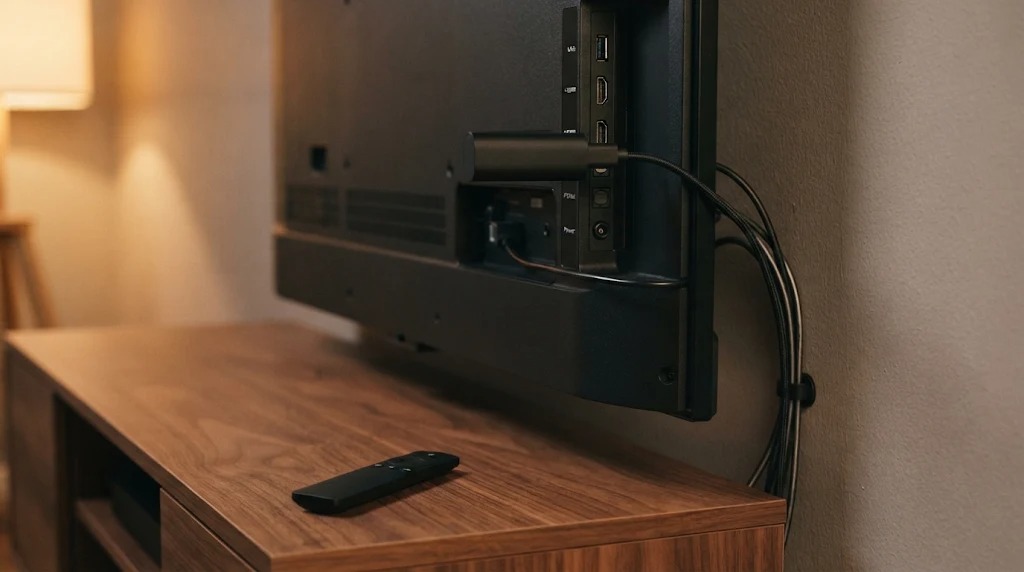
The duo IPTV Smarters Pro for Fire Stick is one of the easiest ways to watch IPTV on any TV, even an older model. The dongle plugs into an HDMI port, connects to Wi-Fi, and turns your screen into a smart TV. The only catch: IPTV Smarters Pro cannot be installed from the Amazon Store; you must first enable a setting. This guide details every step, from installation to setup, and provides solutions to common problems.
In short: Install Downloader from the Fire TV search, enable the option to install apps from unknown sources in the developer options, then download IPTV Smarters Pro using the address or code provided with your subscription. Open the app and enter your Xtream Codes login credentials.
What You Need for IPTV Smarters Pro on Firestick
- A Fire TV Stick : The Lite and Standard models are sufficient for Full HD; the 4K and 4K Max models are required for 4K.
- An Amazon account to configure the key.
- A stable connection : at least 15 Mbit/s for HD, 25 Mbit/s for 4K.
- Your IPTV login credentials : username, password, and server URL, provided with your subscription or your 24-hour free trial.
The Fire TV lineup is featured on Wikipedia.
Step 1: Install Downloader
- On the Fire TV home screen, open Search.
- Type «Downloader» and select the app with the orange icon.
- Select "Get" or "Download," then wait for the installation to finish.
Step 2: Allow unknown apps
- Go to Settings, then My Fire TV.
- Open Developer Options.
- Select "Install unknown apps" and enable Downloader.
If the developer options don't appear, open Settings, My Fire TV, About, and then tap your device's name seven times in a row. A message will confirm that you are a developer, and the menu will appear.
Step 3: Install IPTV Smarters Pro on the Fire Stick
- Open Downloader and grant access to the files.
- Enter the address or download code provided with your subscription.
- Once the download is complete, select "Install," then "Open.".
- Go back to Downloader and delete the installation file to free up space.
Use only the address provided by your provider or the app's official source: a modified version found online may contain unwanted software.
Step 4: Enter your login credentials
- Open IPTV Smarters Pro and accept the terms of use.
- Select "Login with Xtream Codes API.".
- Fill in the fields, then select "Add User.".
| Field | What You Need to Know |
|---|---|
| Any Name | Any name, such as «Salon» |
| Username | Your username |
| Password | Your password |
| URL | The server address, including http:// and the port |
Typing with the remote control is slow: check each character, and make sure there are no extra spaces at the end. Our guide What is Smarters Pro IPTV? describes each screen in the app.
Smarters Pro Firestick IPTV Settings for Smooth Video Playback
- Reader : In Settings, under Player Selection, keep the built-in player selected. Try the other option only if a channel won't start.
- Time Format and EPG : Set the Fire TV's time to automatic for an accurate program guide.
- Output resolution : In the Fire TV display settings, leave the resolution set to "Auto" or set it to your TV's resolution.
- Thesis : Close any unnecessary apps and uninstall the ones you no longer use. A cluttered Fire TV runs slowly.
Add the app to the home screen
After installation, IPTV Smarters Pro will appear in "Your Apps and Channels." Press and hold the Home button on the remote, select "Apps," choose IPTV Smarters Pro, press the Options button (three lines), and select "Move" to place it at the top of the list.
Common Problems and Solutions
| Problem | Solution |
|---|---|
| «App not installed» | Make sure Downloader is enabled in the developer options |
| Invalid credentials | Copy each field exactly as shown, without spaces, including the port in the URL |
| Endless Loading | Clear the app's cache in Settings, Apps |
| The picture is choppy in the evening | Move the Wi-Fi router closer or switch to an Ethernet connection using an adapter |
| Empty Program Guide | Set the Fire TV to set the time automatically |
If the problem persists, our article IPTV Smarters Pro isn't working reviews ten solutions. For a reliable connection, test the connection with Fast.com from the USB drive's browser.
Firestick, Smart TV, or Android set-top box?
The Fire Stick remains the simplest solution for an older TV or one without a compatible app. If you have a newer TV, you can also install the app directly on it: see our guide IPTV Smarters Pro Smart TV. For an Android box, see Set up IPTV Smarters Pro on an Android TV box.
Key Takeaways
IPTV Smarters Pro Firestick can be installed in four steps: Downloader, enabling installation of apps from unknown sources, installation using your provider’s address, and then entering your Xtream Codes login credentials. Keep the time set to automatic and maintain a stable connection, and the stick becomes a full-fledged set-top box. To test it on your own Fire TV, request your 24-hour free trial or check out our IPTV subscriptions.
Frequently Asked Questions
Is IPTV Smarters Pro available on Amazon?
No, it installs using the Downloader app, after you've enabled installation of apps from unknown sources in the developer options.
Where can I find the developer options?
In Settings, under My Fire TV. If the menu isn't there, click the device name seven times in About to make it appear.
Which Fire TV Stick should I choose for IPTV Smarters Pro?
A Fire TV Stick Lite or standard model is sufficient for Full HD. For 4K, you'll need a Fire TV Stick 4K or 4K Max and a 4K TV.
Why are my login credentials being rejected?
Most often, it's a typo, a space at the end of a field, or a missing port in the URL. Please re-enter each field carefully.
How can I prevent the Firestick from freezing?
Move the Wi-Fi router closer, use the 5 GHz band or an Ethernet adapter, and clear the app's cache regularly.
Can I use the same subscription on both the Fire Stick and my phone?
Yes, the same login credentials work on all your devices. The number of simultaneous screens depends on your plan.